Webflow builds your marketing team can actually run.
can actually run
We are a Webflow agency for companies that publish. Strategy, design, a clean CMS your editors understand, and a build fast enough to help your SEO and paid search instead of taxing them — then ongoing work on the pages that earn, not a handover and silence. Design and development sit in one team, and our clients keep the brand, the workspace and the code.
Every build follows the same best-practice sequence, whatever the project size.






Tell us a little about your brand and we'll be in touch within 24 hours to lock in a time.



THE FOUR LAYERS
What a good Webflow build gets right.
gets right
Strategy, CMS architecture, design system and growth. Webflow makes it unusually easy to ship something that looks finished and is structurally wrong underneath, so the work that separates a good Webflow agency from a fast one happens in the second layer. It is also why our development standards are written down rather than held in one designer's head.
Strategy & structure
CMS architecture
Design system & build
Launch & growth
Decide the site plan before opening the Designer.
Webflow is now a mainstream choice for marketing sites rather than a design experiment. Webflow reports over 300,000 companies building on the platform, with more than 1,500 Certified Webflow Partners, and W3Techs measures it at 1.2% of all websites whose CMS is known, which is 0.8% of the web. That maturity means the interesting decisions are strategic, not technical.
So we start where a redesign should: what each page is for, which keywords and buyer questions it owns, how the navigation reflects how your customers actually shop, and which templates genuinely need to be different from each other. Every existing URL gets a decision — keep, merge, rewrite or redirect — so search equity survives the launch.
The output is a site plan with a page inventory, a URL map, keyword targets per template and the business goals the project will be measured against. Design starts from that document, and every later argument gets settled by it.
- Page inventory and URL map before any design work
- Keyword and buyer-question targets per template
- Navigation planned around how customers shop
- Business goals agreed and recorded up front
300,000+
companies now build on Webflow
1.2%
of all sites with a known CMS run Webflow
Collections that scale past the first launch.
This is where most Webflow projects are quietly decided. Collections modelled around today's page designs rather than the data will hit item and reference limits, force duplicate copy into three places, and make the programmatic pages you want next year impossible without a rebuild. Modelled properly, one collection powers a whole family of pages and your team adds to it without touching the design.
We plan collections, reference fields and slugs from the CMS model out: what the entities really are, which relationships matter, which fields are reused, where a multi-reference is right and where it is a trap. Editors get field names in plain language, help text where a decision is not obvious, and no field they must not touch. Where the website needs data from outside, we wire the Webflow APIs, forms and webhooks into your CRM properly rather than through a chain of no-code steps nobody owns.
The result is a CMS a marketing team can publish from on a Friday without asking a developer, which is the entire reason to be on this platform.
- Content model designed from the entities, not the layouts
- Collections, references and slugs planned for growth
- Editor-friendly field names and help text throughout
- APIs, forms and webhooks wired into your CRM
1 collection
should power a whole family of pages, not one
1M
CMS items an enterprise Webflow site can scale to (Webflow)
Classes, variables and components, kept disciplined.
A Webflow project is only as maintainable as its class structure. We build on a documented naming convention with variables for type, colour and spacing, real components with properties, and states and breakpoints handled deliberately. Accessibility is specified rather than discovered: contrast, focus order, labels, keyboard paths, motion preferences.
Speed is a design constraint from the first review. Webflow's hosting is quick out of the box, and a heavy build undoes that with a hero video, nine font weights and a stack of vendor scripts. Given that only 48% of mobile origins pass all three Core Web Vitals, a page that renders fast on a mid-range phone is a competitive advantage, so we set budgets per template and hold the build to them with our speed engineering team.
Custom code is used where it earns its place — interactions Webflow cannot express, a calculator, a third-party embed — and documented so the next person knows why it exists.
- Documented class convention, variables and true components
- States, breakpoints and empty states all handled
- Accessibility specified up front, not audited late
- Speed budget per template, enforced during the build
- Custom code kept minimal and documented
48%
of mobile origins pass all three Core Web Vitals
The launch is the start of the work.
Migration is the risky part: every indexed URL redirected in one hop, canonicals and sitemaps regenerated, structured data carried across, analytics and conversion tracking verified firing, forms tested with real submissions, then six weeks of watching crawl, indexation and enquiries against the baseline we recorded before the move.
After that we work on the site monthly rather than leaving it: new landing pages for campaigns, programmatic page families built on the collections we modelled, conversion testing on the journeys that matter, and content published by your own team with our support. Hosting upkeep is genuinely lighter than a self-hosted stack — Patchstack counted 11,334 new WordPress ecosystem vulnerabilities in 2025, 91% of them in plugins, an exposure a hosted platform simply does not carry — so the retained budget goes into growth instead of patching.
You keep the Webflow workspace, the domain, the analytics and the documentation from day one. We are the team in your project, not the landlord of your website.
- Single-hop redirects for every indexed URL at launch
- Tracking and forms verified with real submissions
- Six weeks of monitoring against the recorded baseline
- Monthly page, campaign and conversion work after launch
- Workspace, domain and documentation owned by you
11,334
WordPress ecosystem vulnerabilities disclosed in 2025
agencies list Webflow as a core competency (Clutch)
Webflow annual recurring revenue (TechCrunch)
Class convention, content model and custom code written down
The Webflow project and domain, from day one
We made the difference for those brands

Beauty, personal care & wellness

B2B software, fintech, insurance
Creative, content, arts & culture

Home essentials, appliances, kitchen & pet

Food & beverage

B2B software, fintech, insurance
Home essentials, appliances, kitchen & pet

B2B software, fintech, insurance

Consumer tech and platforms

Retail & commerce

Food & beverage

Healthcare & regulated services

Food & beverage

Food & beverage

Food & beverage

Home essentials, appliances, kitchen & pet
Consumer tech and platforms

B2B software, fintech, insurance

Creative, content, arts & culture

Retail & commerce

Food & beverage
Creative, content, arts & culture

B2B software, fintech, insurance

Consumer tech and platforms
Apparel and lifestyle
Travel & mobility
Healthcare & regulated services

Apparel and lifestyle

Creative, content, arts & culture

B2B software, fintech, insurance

Food & beverage
01 — The challenge
Beautiful build, and nobody can edit it.
The site launched to applause. Six months on, the marketing team cannot add a case study without breaking a layout, three collections hold the same content, class names read like a private language, and every small change is a ticket to a freelancer who is now busy. The platform is not the problem. The build is.
“We moved to Webflow so we would stop needing a developer.”
That promise is real and it depends entirely on the content model and the class discipline underneath. With more than 300,000 companies on the platform and over 1,500 certified partners, the market is full of teams who can produce a handsome page and rather fewer who plan collections that survive the second year. We build for the editor and the search engine first, then make it beautiful — which is a less exciting first meeting and a much better second year.
02 — Our approach
Plan the site, model the CMS, then design.
We start with the website plan: what each page is for, which keywords and buyer questions it owns, a page inventory and a URL map with a keep, merge, rewrite or redirect decision for every existing page, and the business goals we will be measured against. Then the CMS model, because collections decided by layout are the single most expensive mistake on this platform: entities, references, slugs and reusable fields planned for growth, with editor-friendly names and help text. Design and build follow on a documented class convention with variables, real components, states, accessibility specified and a speed budget per template. Launch is treated as the risky moment it is — single-hop redirects, canonicals, sitemaps, tracking verified, six weeks of monitoring against the baseline. After that we keep working on the pages that earn, monthly. Your workspace, your domain, your documentation, from the first day.
03 — What we did
Four phases, then a monthly rhythm.
Site plan, content model, build and launch, followed by monthly growth work with a weekly working session throughout.
Weeks 1-2 / Site plan
Inventory, URL map and keyword targets
Every page gets a purpose, a keyword target and a keep, merge, rewrite or redirect decision, with the baseline recorded before anything moves.

Weeks 2-4 / Content model
Model the collections for year two
Entities, reference fields, slugs and reusable fields designed from the data, with plain-language names and help text for the people who publish.

Weeks 4-9 / Design & build
Build a system, not a set of pages
Documented class convention, variables, real components, accessibility specified, and a speed budget per template held through the build.

Launch onward / Growth
Launch carefully, then keep improving
Single-hop redirects, verified tracking, six weeks of monitoring, then monthly landing pages, programmatic families and conversion work.

WHAT YOU GET
What a Webflow engagement hands over.
hands over
Everything is built in your own Webflow workspace and accounts, documented as we go, and yours to keep.

Site plan and URL map
Page inventory with keyword targets and a keep, merge, rewrite or redirect decision for every existing page.

CMS and data model
Collections, references and slugs modelled for growth, with editor-friendly field names and help text.

Design system in Webflow
Documented class convention, variables for type, colour and spacing, and real components with states.

Speed and accessibility budget
A written budget per template plus contrast, focus order, labels and keyboard paths specified before the build.

Migration and launch plan
Single-hop redirects, canonicals, sitemaps, verified tracking and real form submissions tested on the day.

Monthly growth work
Campaign landing pages, programmatic page families and conversion testing on the journeys that matter.
HOW WE WORK
Operating standards, not promises.
Operating standards



















Built on trust. Proven by results.
We partner with SMBs and Fortune 500 companies to deliver more than reach — we bring clarity, execution, and measurable outcomes. Every successful partnership starts with a strong culture fit and a shared drive to grow.





CASE STUDIES
Case studies
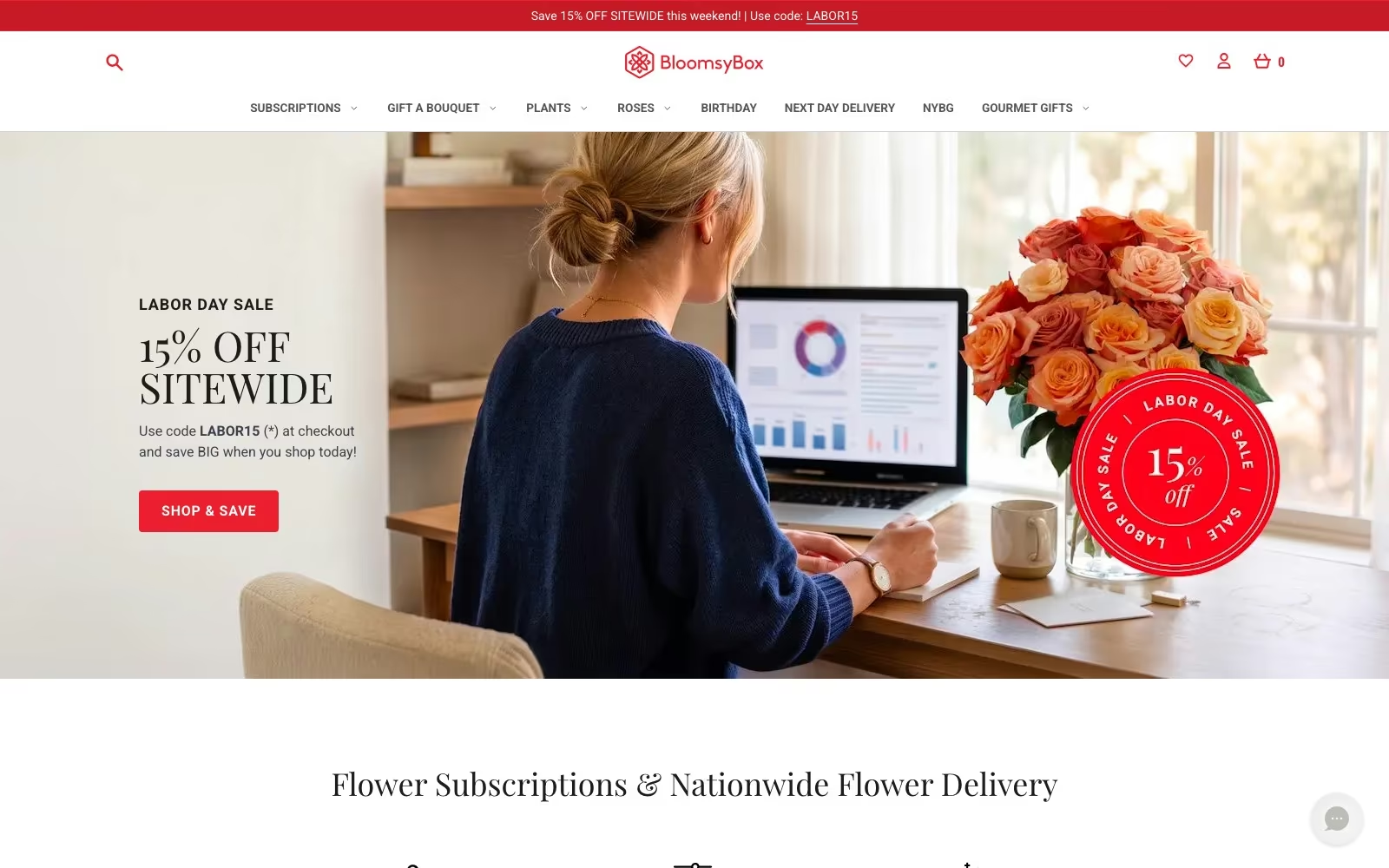
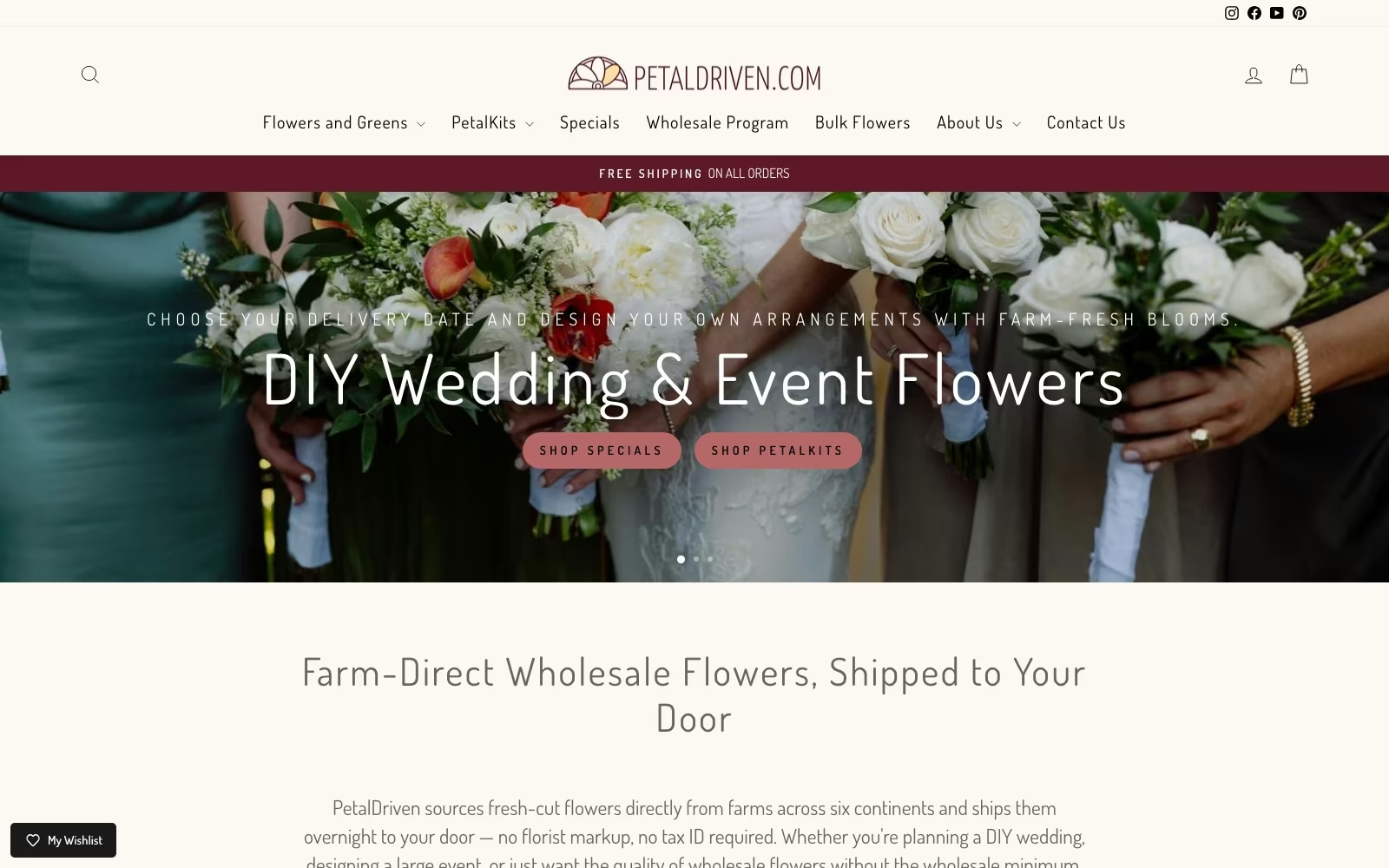
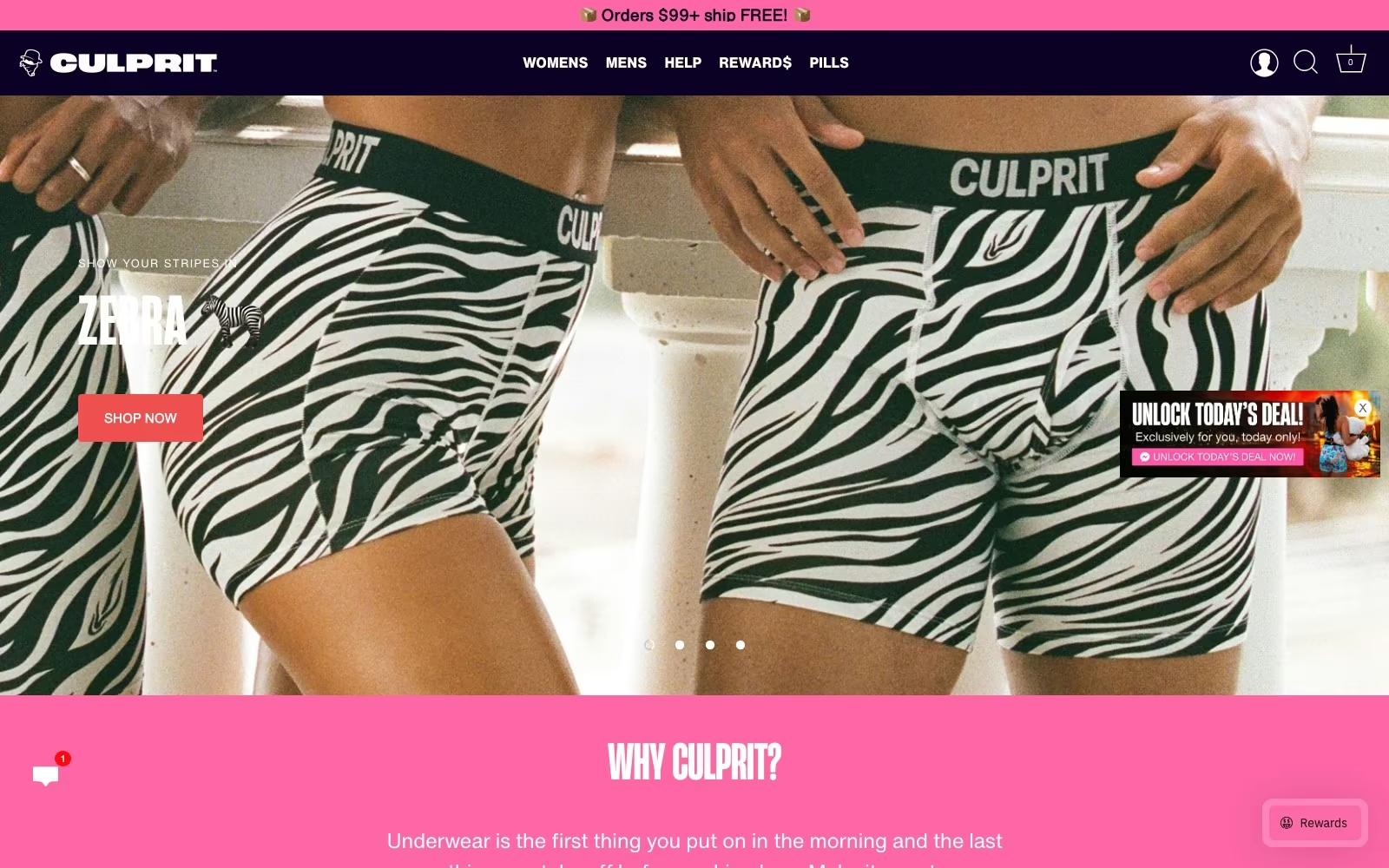
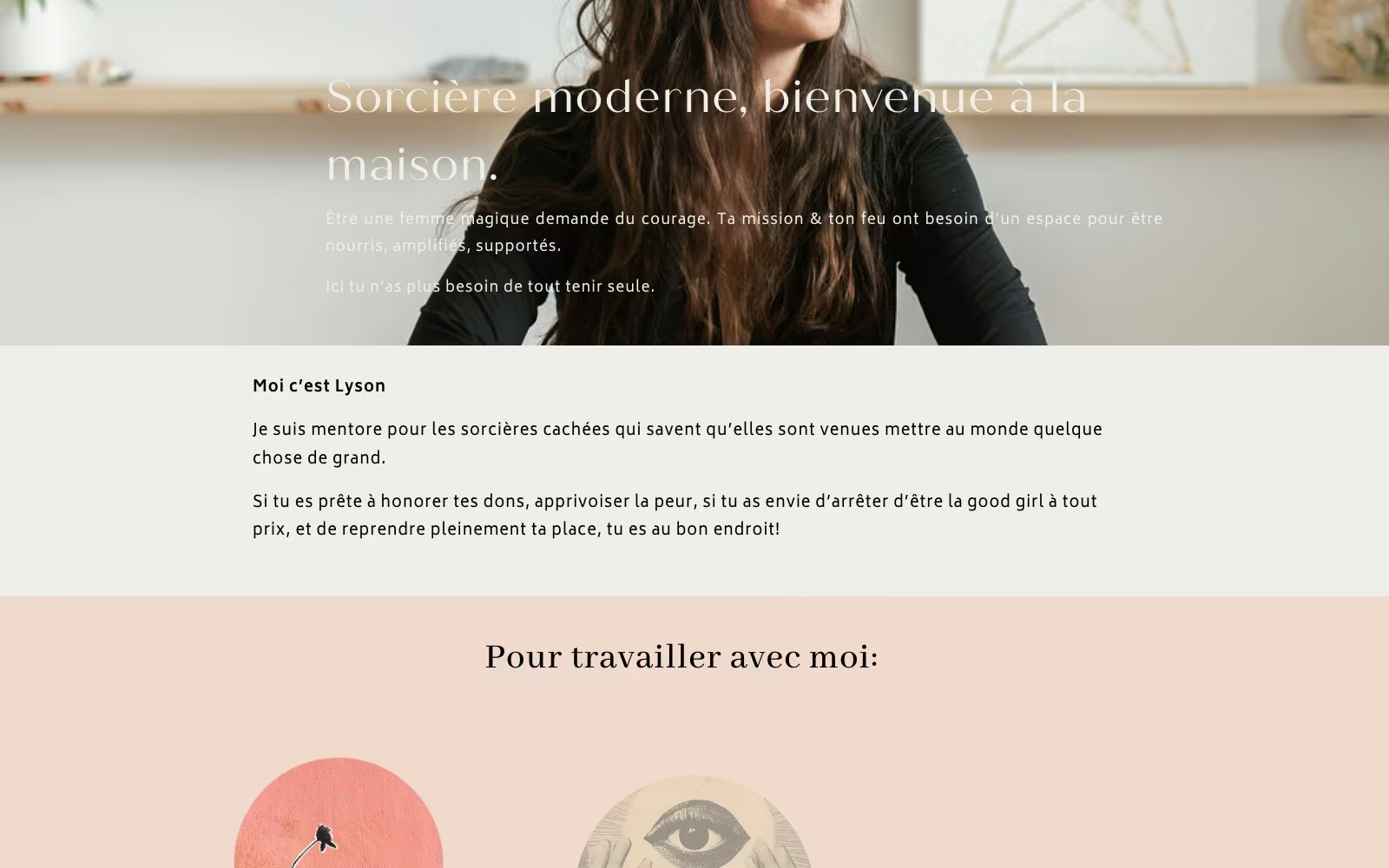
Website Portfolio
Video Ads
Static Ads

























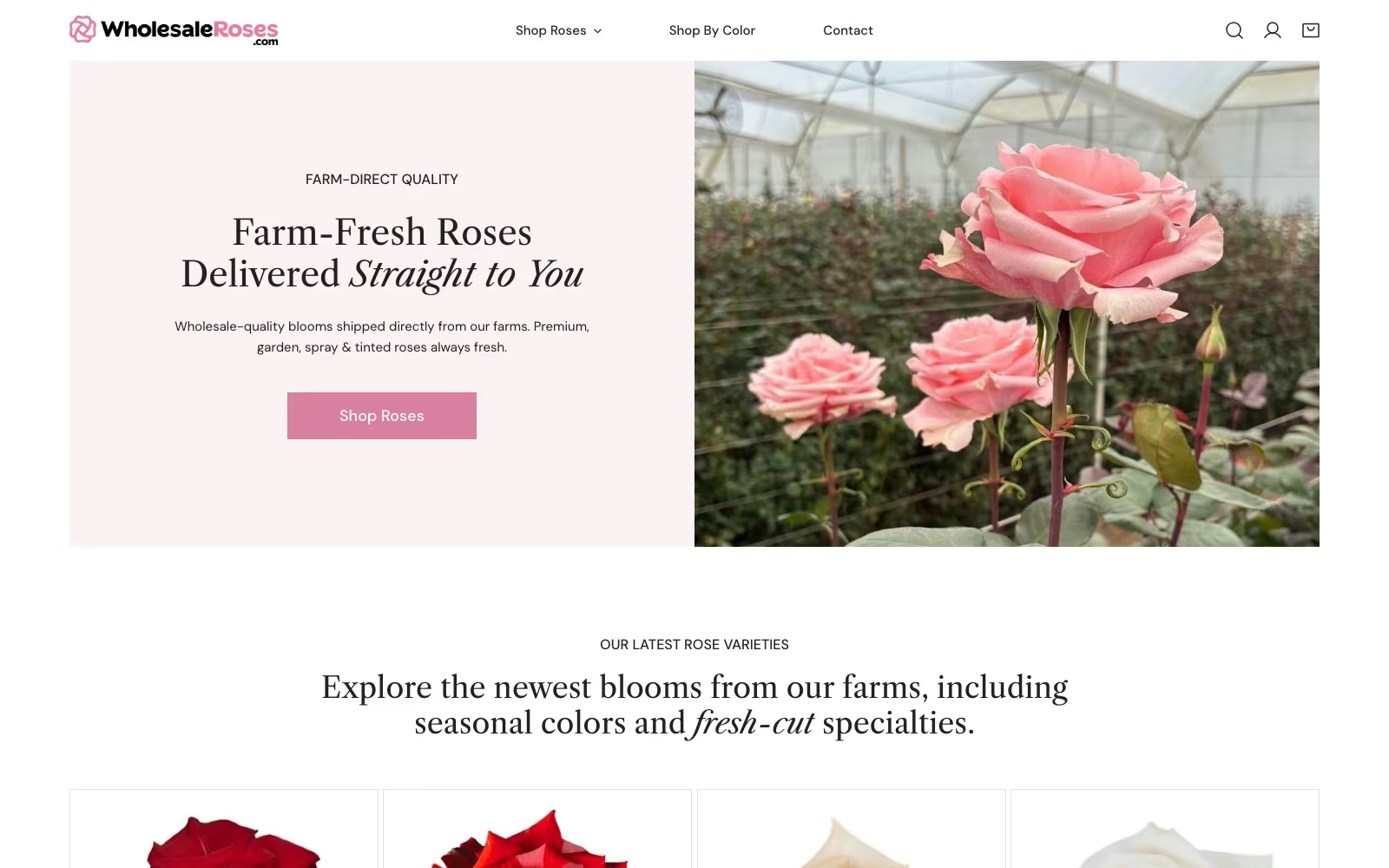

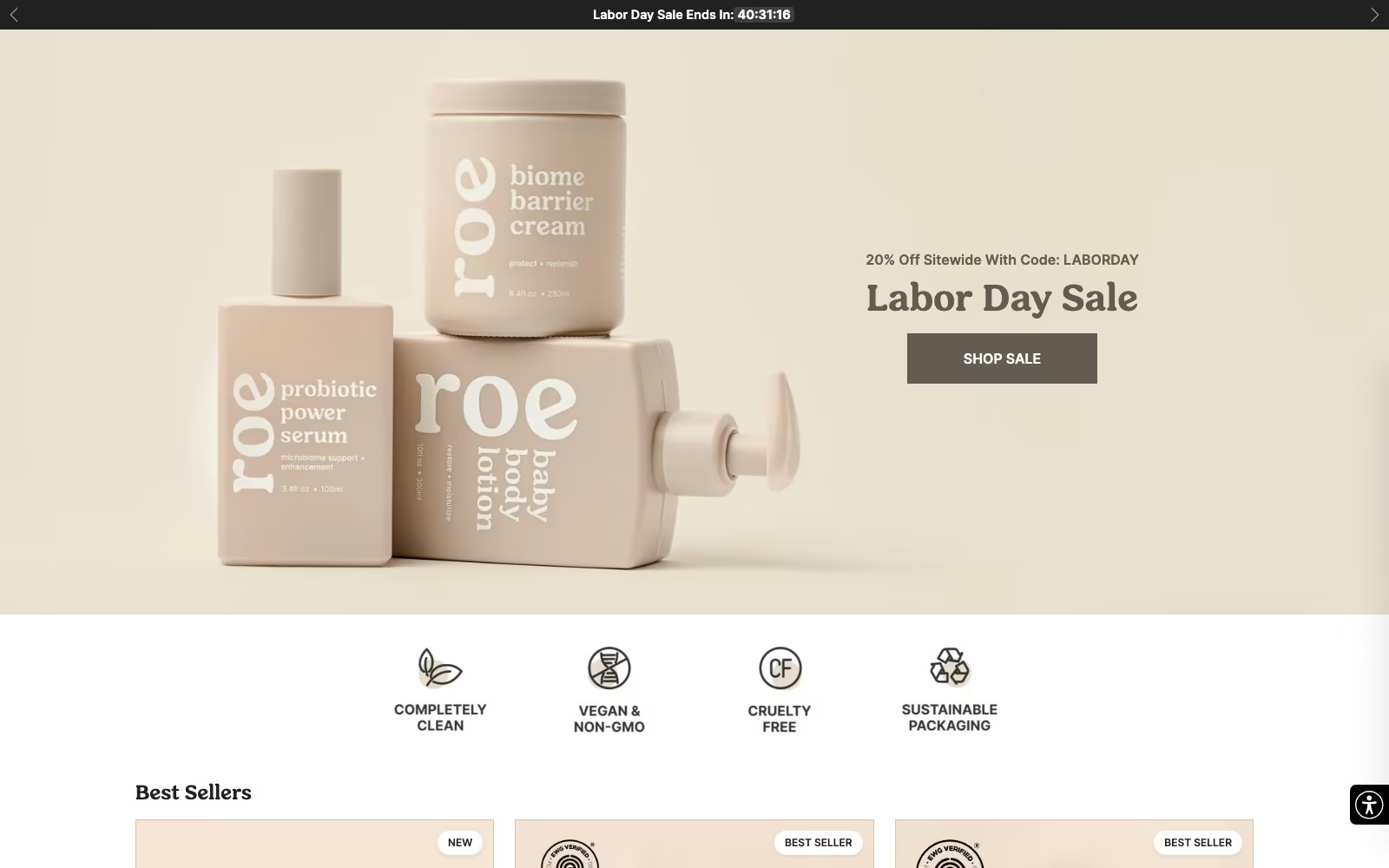

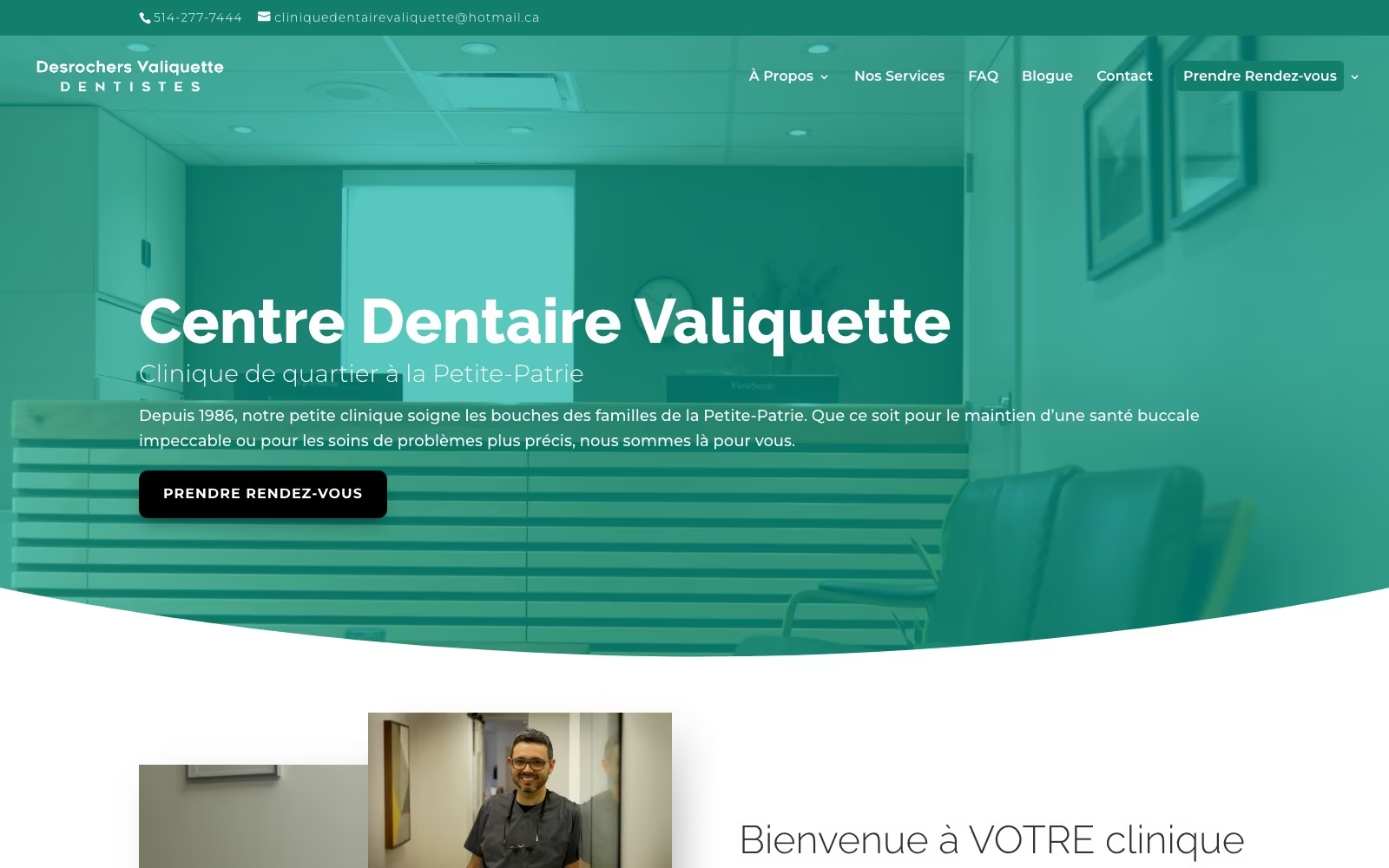


























FAQ
What teams ask us first.
Is Webflow the right platform for us?
It is an excellent fit when a marketing team needs to publish frequently without a developer in the loop, when design quality matters, and when the site is a marketing site rather than an application. It is a poor fit when you need complex server-side logic, a very large product catalogue with intricate fulfilment, or hard requirements the platform's limits will not meet. It is now a mainstream, well-supported choice — W3Techs measures 1.2% of all sites with a known CMS running Webflow — but the honest answer depends on your integrations. We check those first and will recommend custom development when that is the right call.
What does a Webflow agency charge for a build?
Price is driven by four things: how many genuinely different templates you need, how complex the CMS model is, whether we write the copy, and what the site integrates with. A focused marketing website with seven or eight templates and existing copy sits at one level; a project with several collection families, programmatic page groups, CRM wiring and new copy sits well above it. We quote in phases so you can approve the site plan and content model before committing to the build, and both artefacts stay valuable even if you pause. Ongoing work is a separate monthly figure, scoped to what you want shipped rather than to hours.
How do we choose between Webflow agencies?
Look past the portfolio, because a screenshot tells you nothing about the second year. Ask to see a CMS model from a real website project and a URL map from a migration. Ask who edits the site after launch and what their first week looks like. Ask for the class naming convention in writing. Ask who does the work day to day and whether they will be in your weekly session. Then ask where the workspace and domain live: they should be in your name from day one, always. Any capable partner will hand over those documents without hesitating.
Can you take over a Webflow project someone else built?
Frequently, and it is a fair share of our work. We start with an audit: content model against how the site actually needs to grow, class structure and how much of it is reusable, components against copy-pasted blocks, accessibility, speed per template, custom code and what it is doing, plus the technical SEO basics like redirects and canonicals. You get a written verdict with three options and prices: keep and improve, restructure the CMS while keeping the design, or rebuild. Most client builds land on the middle option, and we say plainly when a rebuild would be cheaper than the repairs.
Will Webflow limit our SEO?
No, and in several respects it helps. You control titles, descriptions, canonicals, redirects, sitemaps, alt text, structured data and clean semantic markup, and hosting is fast by default, which is a real advantage over a self-hosted stack carrying a decade of plugins. The genuine constraints are collection and item limits, which is exactly why we model the CMS for growth before designing, and why large programmatic families need planning rather than optimism. Our SEO team writes the keyword targets into the site plan, so search is a build requirement rather than a later audit.
Can our marketing team really edit the site?
Yes, and whether that promise holds is decided by the build rather than by the platform. We give editors collection fields in plain language, help text where a choice is not obvious, components that cannot be broken by adding a long headline, empty states that look deliberate, and a written editing guide with the ten most common tasks. Training is a session with the people who will actually publish, recorded so new joiners can watch it. If your team still needs us for routine page changes after a month, we designed it wrong and we will fix it.
How do you handle migrating from WordPress?
As a search project with a design attached. Copy and CMS records are exported and mapped into the new CMS model, every indexed URL gets a single-hop redirect, canonicals and sitemaps are regenerated, structured data is carried across, and we record the baseline of rankings and enquiries before the move so we can tell settling from a fault afterwards. The upside is maintenance: Patchstack counted 11,334 new WordPress ecosystem vulnerabilities in 2025, 91% of them in plugins, and that patch treadmill disappears on a hosted platform. Where a WordPress site is worth keeping we will say so and offer maintenance instead.
What about hosting, security and uptime?
Webflow hosts the site on its own infrastructure with a global CDN, SSL and automatic backups, so there is no server for you to patch and no plugin stack to keep current. That removes the largest maintenance risk a marketing site normally carries. What still needs a person is everything above the platform: workspace roles and access hygiene, form and integration monitoring, third-party scripts, and the ordinary copy and speed drift that follows any busy publishing schedule. Our retained plans cover those and leave the infrastructure to Webflow.
Do you build programmatic or multi-location pages in Webflow?
Yes, and the CMS model is what makes it possible. One well-designed collection can power a whole family of pages — services by city, industries by service, product variants — with shared components and per-item copy that is genuinely specific rather than a template with a name swapped in. We plan those families against collection and item limits up front, and we are candid about the point where the high volume you want exceeds what the platform will hold, which is a design decision worth making early rather than discovering at page 4,000.
Do you work with enterprise teams and larger websites?
Yes, and enterprise Webflow work is mostly a governance problem rather than a design one. Larger clients need scalable naming conventions, a component library with real ownership, staged environments and review, workspace roles that reflect who may publish what, localisation planned rather than bolted on, and integrations into the marketing stack that survive staff changes. We build those websites the same way but with more documentation and a written change process, and we work happily alongside in-house development teams: they keep the product, we keep the marketing site. Where a requirement genuinely exceeds the platform, we say so early instead of engineering around it.
What does the working relationship look like?
You get a named senior designer and a named engineer, a weekly working session with the people actually building your website, and a shared board you can see at any time. We are a full-service digital partner rather than a build shop, so the same team can pick up SEO, paid search or measurement when the website is live — and it is equally fine to use us for the build alone and keep your existing agencies. Every client keeps the workspace, the domain and the documentation, which is what makes that choice genuinely free.
What happens after launch?
We keep working on the site, which is where most of the return lives. A typical month includes a campaign landing page or two, additions to a programmatic family, conversion tests on the journeys that matter, a speed and accessibility pass, and support for whatever your team is publishing. Reporting is one page from the person doing the work: what shipped, what it changed against the baseline, what we recommend next. If you would rather run it yourselves, the documentation, editing guide and CMS model make that a realistic choice, and we are happy to be there only when you need us.

.webp)
.webp)