Make the site work for everyone. Then prove it.
work for everyone
ADA website compliance is a code problem with a legal shadow. We fix the site itself — contrast, keyboard access, labels, focus order, screen reader behaviour — against the WCAG success criteria courts and procurement teams actually cite, then hand you the documentation that shows the work was done. It sits inside the same team that builds your website, so accessibility gets designed in rather than bolted on afterwards.






Tell us a little about your brand and we'll be in touch within 24 hours to lock in a time.



THE FOUR LAYERS
Compliance is four layers of work, not one plugin.
four layers
An accessible website is the product of design decisions, front-end code, real testing with assistive technology, and a governance habit that keeps new content from undoing the work. Skip any one of those layers and the website drifts back out of conformance within a release or two. We run all four, in that order, and we report progress in success criteria closed rather than in a score out of a hundred.
Audit & remediation plan
Front-end remediation
Assistive technology testing
Documentation & governance
Find the real barriers, ranked by who they block.
Automated scanning finds a fraction of the problem, which is exactly why the web looks the way it does: WebAIM's 2025 analysis of the top million home pages found 94.8% had detectable WCAG failures, averaging about 51 errors per page. Those are only the machine-detectable ones. So our audit runs three passes: automated checks across a representative page sample, a manual review against the WCAG 2.2 success criteria at level AA, and a keyboard-and-screen-reader walk of the journeys that carry your revenue — search, product, cart, checkout, forms, booking, account.
What you get back is not a 400-page PDF dump. It is a ranked remediation plan: each finding tied to its success criterion, the component it lives in, the users it blocks, the effort to fix it, and the release it should land in. Issues in a shared component get fixed once and resolve on every page, which is why component-level triage usually clears more criteria for less budget than page-by-page work.
We also separate two things most reports blur together: barriers that genuinely stop someone completing a task, and technical violations that annoy an auditor. Both get fixed. The first group gets fixed first, because that is the group that costs you customers and attracts complaints.
- Automated scan plus manual expert review at WCAG 2.2 AA
- Keyboard-only and screen reader walkthroughs of key journeys
- Findings mapped to success criteria and to components
- Effort, impact and release sequencing on every item
- Re-test after each release, with evidence kept
94.8%
of top home pages had detectable WCAG failures
~51
machine-detectable errors on an average home page
The fix belongs in the code, not in an overlay.
Overlay widgets promise instant accessibility from one script tag. The litigation record does not support the promise: UsableNet reports that a growing share of 2025 filings targeted sites that were already running one, with plaintiffs arguing the underlying code barriers were untouched and in some cases that the widget interfered with their screen reader. A widget can be a useful preference panel. It is not a remediation strategy, and we will tell you that before you spend a budget on it.
Real remediation is unglamorous front-end work: semantic HTML instead of div soup, form fields with programmatic labels and error messages tied to the field that failed, focus states you can see, a logical tab order, skip links, headings that describe structure instead of setting font size, images with alternative text written by someone who knows what the image is for, and ARIA used sparingly and correctly — a wrong role is worse than no role.
We work in your stack. Webflow, WordPress, Shopify, React or a bespoke front end: the pattern is the same, we fix shared components and design tokens first so the improvement propagates, then handle the page-specific residue. Every change ships through your normal review process, so nothing lands on the live site without your team seeing it.
- Semantic structure, headings and landmarks corrected
- Keyboard operability and visible focus across all controls
- Labels, error handling and status messages for every form
- Contrast fixed in the design tokens, not per page
- ARIA reduced to what is correct and necessary
Code-level
remediation in your own stack and repo
Tested the way people actually use the site.
Conformance is a checklist; usability is the point. A page can satisfy every criterion and still be miserable to navigate with a screen reader if the reading order is scrambled or every link says "read more". So we test with the tools your visitors use: NVDA and JAWS on Windows, VoiceOver on macOS and iOS, TalkBack on Android, browser zoom to 400%, high-contrast and reduced-motion modes, and keyboard only with no mouse at all.
Those sessions are where the expensive discoveries happen — the modal that traps focus, the date picker nobody can reach, the carousel that steals the tab order, the checkout error announced to nobody. They are also how we prove a fix worked, because a re-scan that shows zero errors on a page a person still cannot use is not evidence of anything.
Where the budget and the risk profile justify it, we recommend paid testing with disabled users. It is the single highest-signal spend in this whole discipline and it consistently finds things no audit does.
- Screen reader passes on NVDA, JAWS, VoiceOver and TalkBack
- Keyboard-only completion of every revenue journey
- Zoom, contrast and reduced-motion checks
- Mobile assistive testing, not desktop only
- Optional testing sessions with disabled users
4
screen readers in the standard test matrix
Keep it accessible after we leave.
Websites regress. A new template, an embedded form, a marketing landing page built in a hurry, an uncaptioned video — and criteria you paid to close quietly reopen. Governance is what stops that, and it is the part most projects skip. We publish an accessibility statement that describes the website honestly, keep a conformance report on file, and write the internal rules: alt text at upload, captions before publish, contrast tokens locked in the design system, an accessibility check in the release checklist.
The regulatory direction of travel makes this worth institutionalising. The Department of Justice's Title II rule sets WCAG 2.1 AA as the standard for state and local government web content, with compliance dates extended in April 2026 to 26 April 2027 for entities serving 50,000 or more people and 26 April 2028 for smaller ones. If you sell to public bodies, universities or healthcare systems, their deadline becomes your procurement requirement.
We also train the people who touch the site weekly. An hour with your content team on headings, links and alternative text prevents more regressions than any tool.
- Accessibility statement written and published
- Conformance report kept current after each release
- Content rules for alt text, captions and link wording
- Accessibility step added to your release checklist
- Training for the team publishing content
2027
Title II compliance date for larger public entities
2028
date for smaller and special district entities
of home pages fail WCAG 2 checks (WebAIM)
US web accessibility lawsuits filed in 2025 (ADA Title III)
WCAG 2.2 level AA is the standard on every project
The code, the audit and the test records
We made the difference for those brands

Consumer tech and platforms

Retail & commerce

Beauty, personal care & wellness

B2B software, fintech, insurance

Consumer tech and platforms

Healthcare & regulated services

Food & beverage

Consumer tech and platforms

Healthcare & regulated services

Healthcare & regulated services

Apparel and lifestyle

B2B software, fintech, insurance

Home essentials, appliances, kitchen & pet

Consumer tech and platforms

Beauty, personal care & wellness

B2B software, fintech, insurance
Healthcare & regulated services

Home essentials, appliances, kitchen & pet

Beauty, personal care & wellness

B2B software, fintech, insurance

Consumer tech and platforms

Apparel and lifestyle

B2B software, fintech, insurance
Home essentials, appliances, kitchen & pet

B2B software, fintech, insurance

Home essentials, appliances, kitchen & pet

Travel & mobility

Beauty, personal care & wellness

Healthcare & regulated services
Consumer tech and platforms
01 — The challenge
The scan says 98. The lawsuit says otherwise.
Most companies discover accessibility through a demand letter, a failed procurement questionnaire, or a customer who could not check out. By then the conversation is legal, the timeline is short, and the cheapest-looking answer — a widget — is the one being sold hardest.
“We installed the accessibility tool last year. We assumed we were covered.”
Filings kept climbing regardless: federal website accessibility cases reached 3,117 in 2025, up 27% from 2,452 the year before (Seyfarth), and an automated score of 98 out of 100 means only that the scanner ran out of things it can detect. The barriers that block real people — an unreachable date picker, a checkout error announced to nobody, a contrast ratio that fails in daylight — are found by a person with a keyboard and a screen reader. That is the work, and it is more affordable than the letter.
02 — Our approach
Fix the code, prove the fix, keep it fixed.
We start with an audit that mixes automated scanning with manual expert review and assistive technology testing, then rank every finding by the number of users it blocks and the effort to clear it. Remediation happens in your repository and your design system, so a contrast token or a form component gets corrected once and the improvement lands everywhere. After each release we re-test the affected journeys and record the evidence, because conformance you cannot demonstrate is worth very little in a procurement review. Then we install the habits — content rules, release checks, a published accessibility statement, an hour of training for the people uploading images — so the website does not quietly regress. Nothing is hidden behind a portal: you get the findings, the fixes and the test records.
03 — What we did
Four phases, one accessible website.
A typical engagement runs audit, remediation, verification, then governance, with a weekly working session and a written summary of what closed and what is next.
Weeks 1-2 / Audit
Scan, review by hand, then rank by impact
Automated coverage plus manual review at WCAG 2.2 AA across a representative sample, ranked into a release-ready remediation plan.

Weeks 3-8 / Remediation
Fix shared components before single pages
Semantics, focus order, labels, error handling and contrast tokens corrected in your stack, shipped through your normal review process.

Ongoing / Verification
Re-test with the tools people actually use
Screen reader, keyboard-only, zoom and contrast passes after every release, with the evidence recorded against each success criterion.

Handover / Governance
Statement, report and rules that hold
Accessibility statement, conformance report, content rules and a release checklist, plus training for the team publishing every week.
WHAT YOU GET
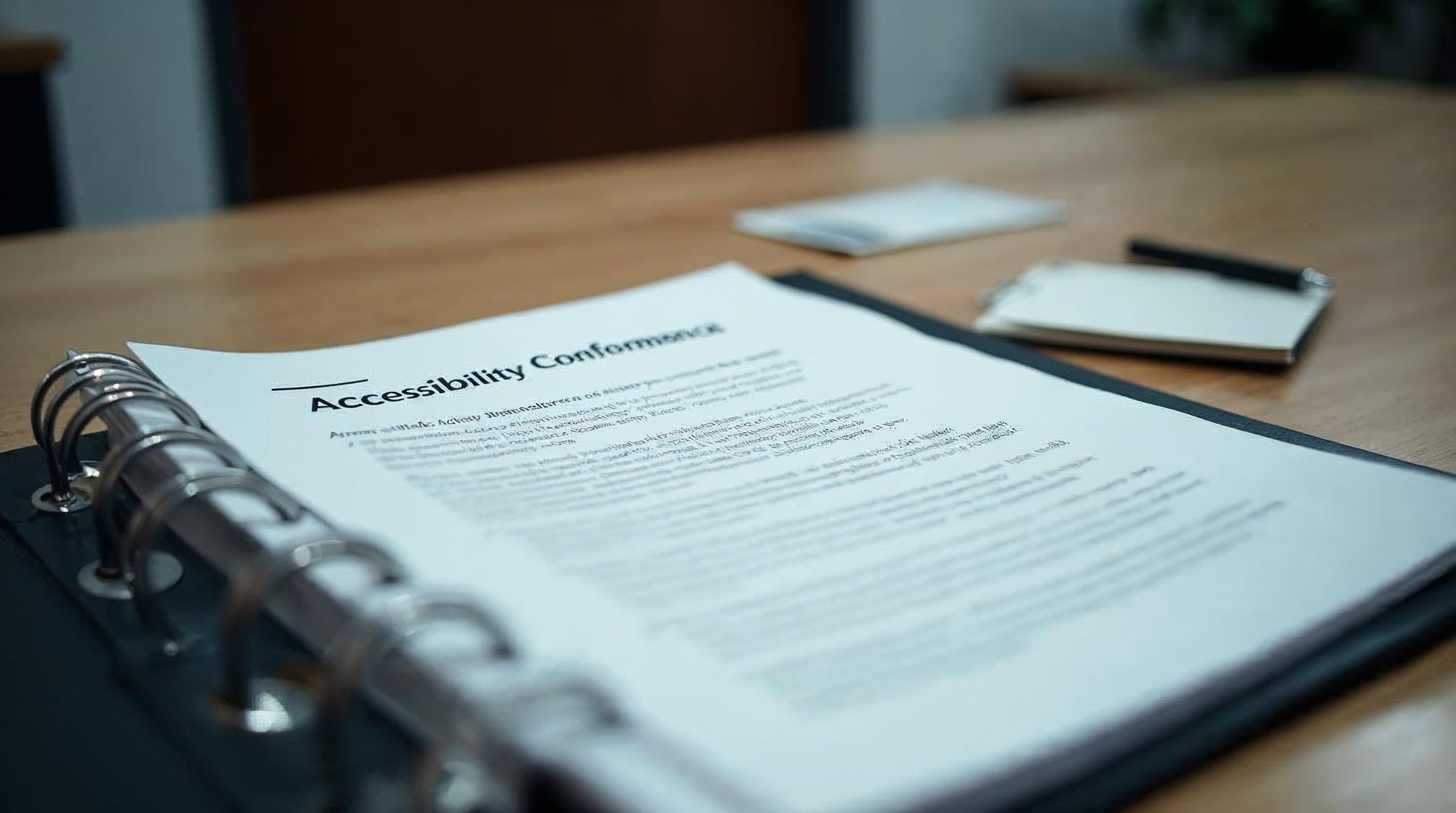
Deliverables you can hand to a lawyer or a buyer.
hand to a lawyer
Everything below is produced for your site specifically, stays in your possession, and is written to be read by non-specialists as well as auditors.

Ranked accessibility audit
Automated, manual and assistive testing findings mapped to WCAG 2.2 AA success criteria, ranked by user impact and remediation effort.

Code-level remediation
Fixes shipped in your own repository and design system, starting with shared components so one correction resolves across the whole website.

Assistive technology test records
Screen reader, keyboard-only, zoom and contrast passes on your revenue journeys, re-run after each release and kept as evidence.

Accessible design system updates
Contrast, focus states, type scale and component patterns corrected in the design tokens so new pages are born conformant.
Statement and conformance report
A published accessibility statement plus a conformance report you can attach to a procurement questionnaire or a vendor review.

Training for your content team
Practical sessions on alternative text, headings, link wording, captions and documents, so weekly publishing stops creating new barriers.
HOW WE WORK
Operating standards, not promises.
Operating standards



















Built on trust. Proven by results.
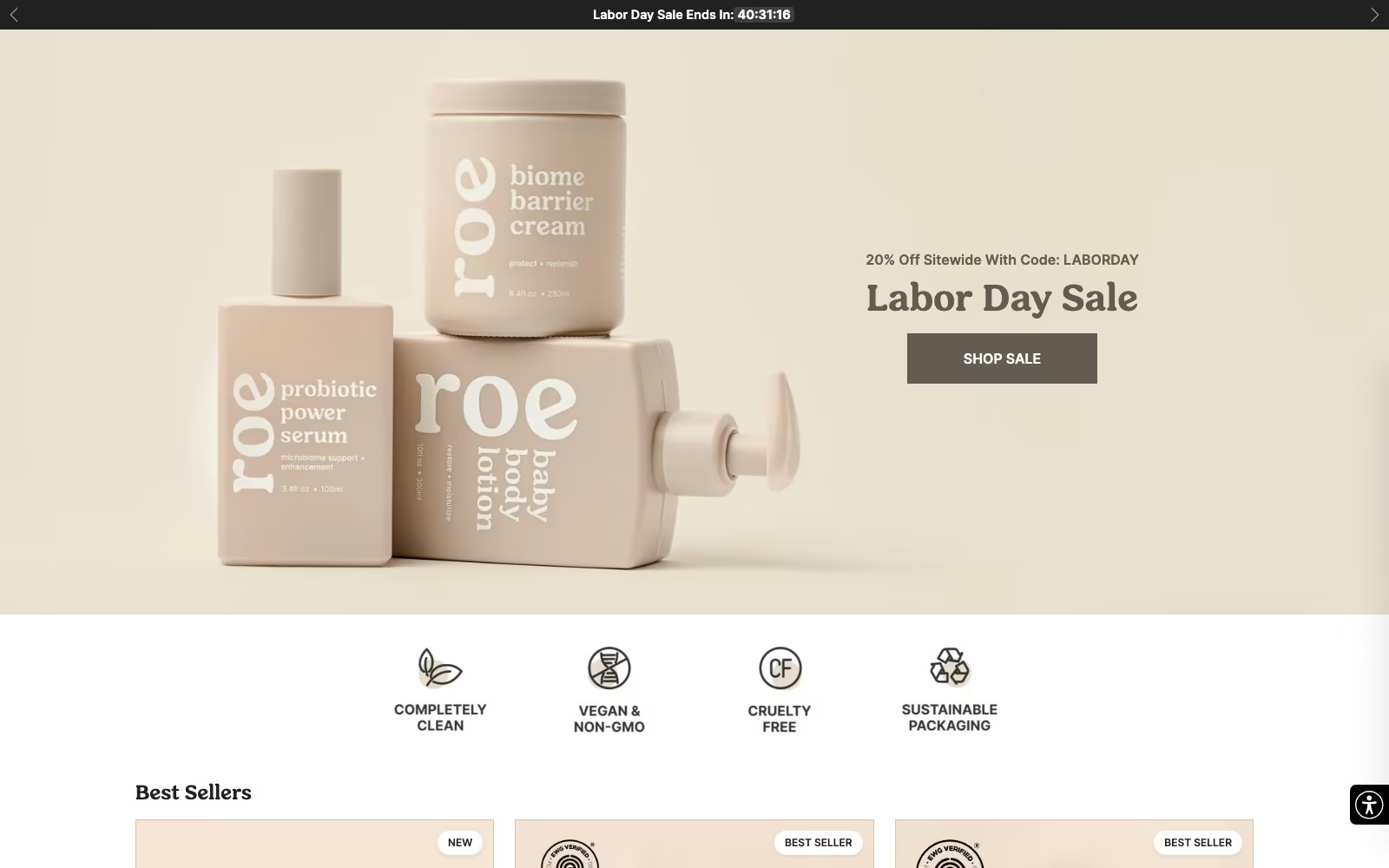
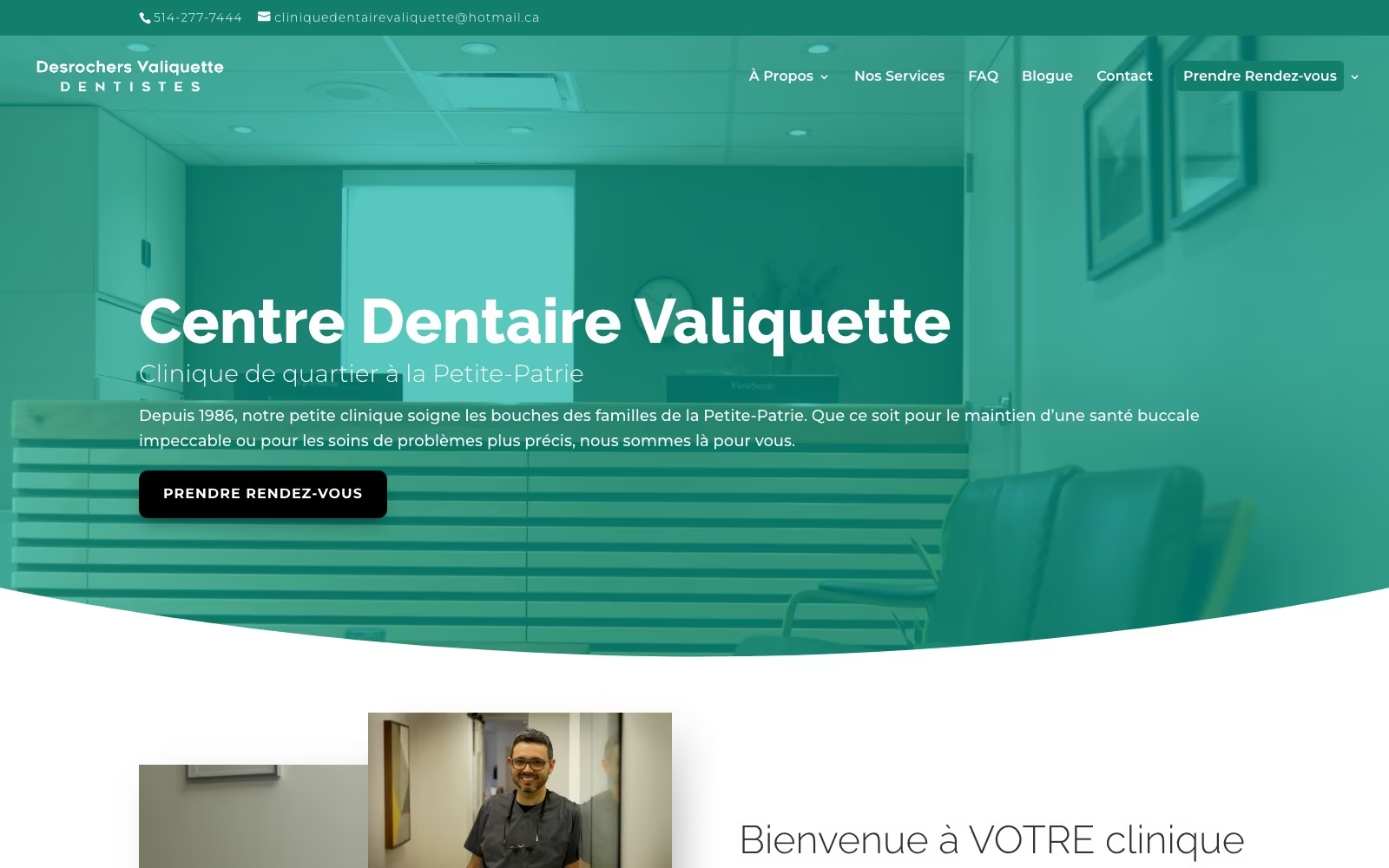
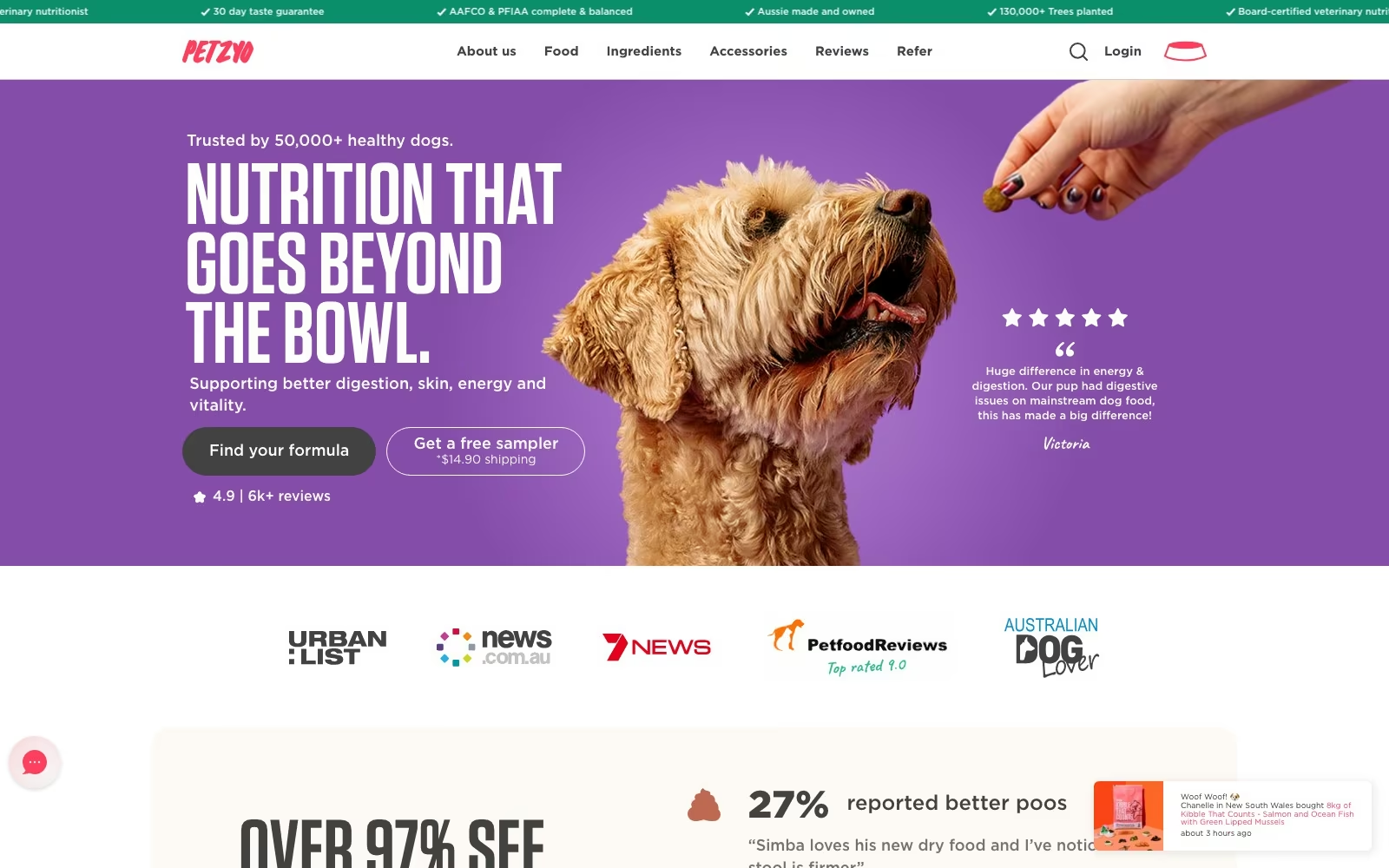
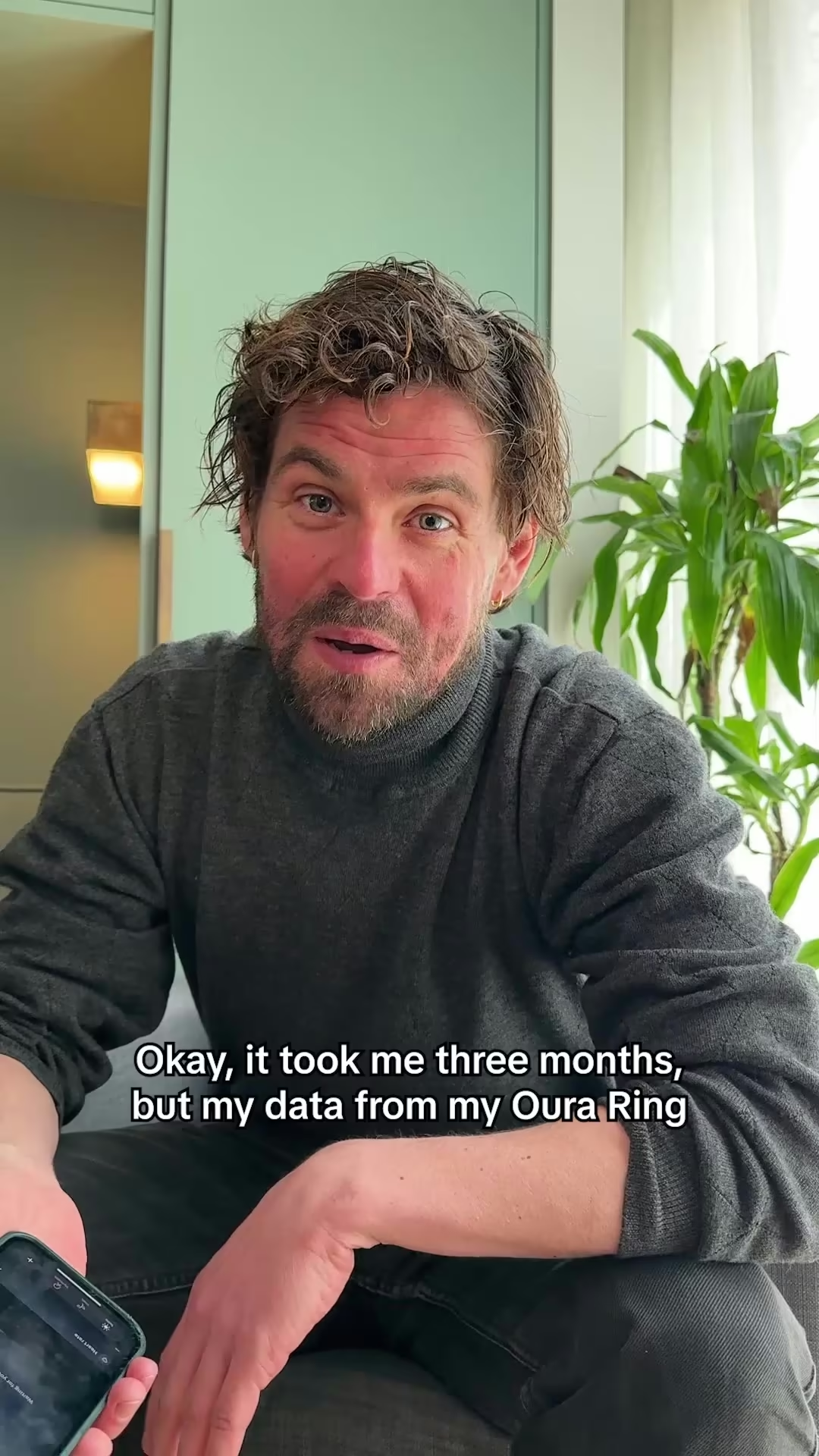
We partner with SMBs and Fortune 500 companies to deliver more than reach — we bring clarity, execution, and measurable outcomes. Every successful partnership starts with a strong culture fit and a shared drive to grow.





CASE STUDIES
Case studies
Website Portfolio
Video Ads
Static Ads



















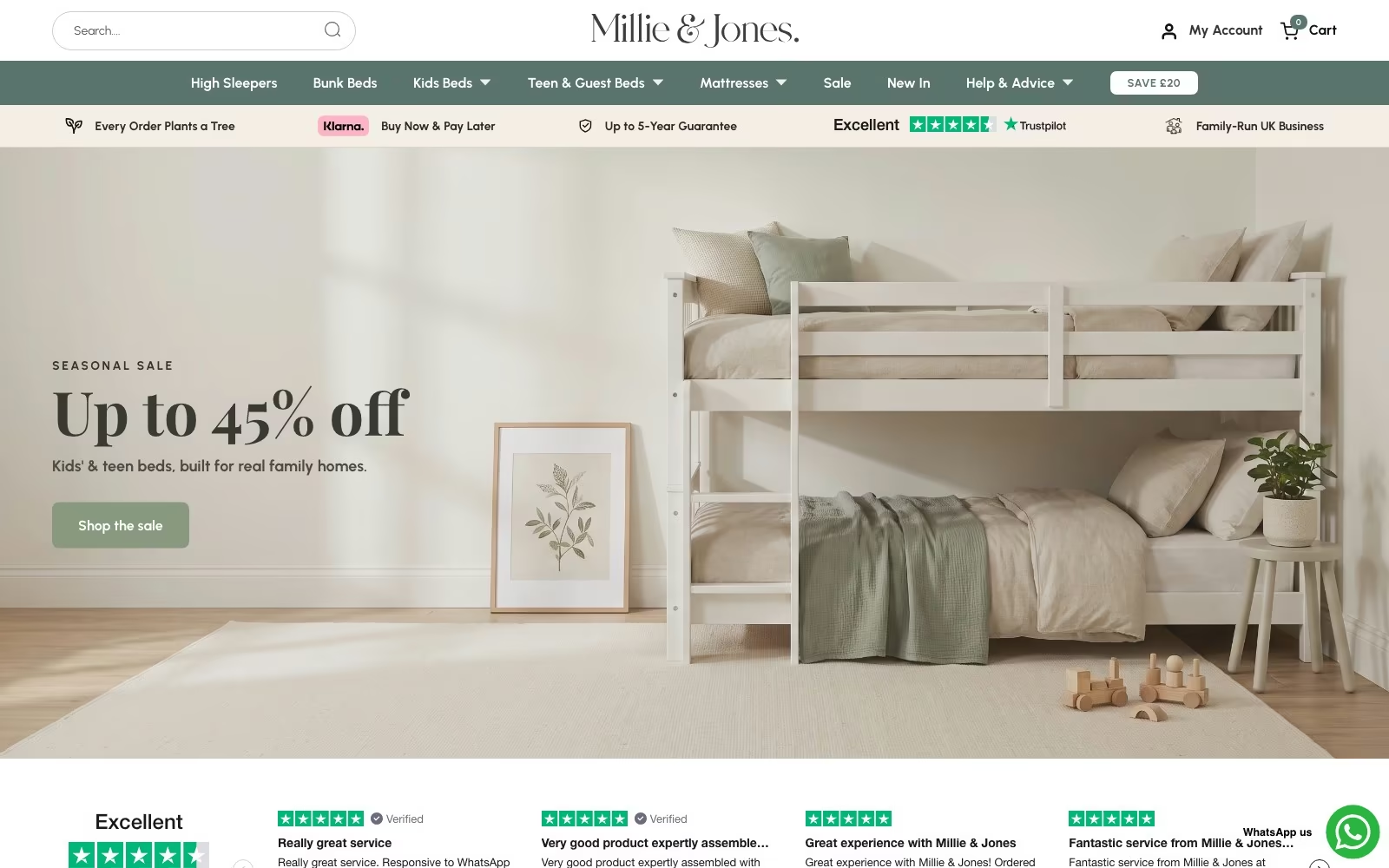

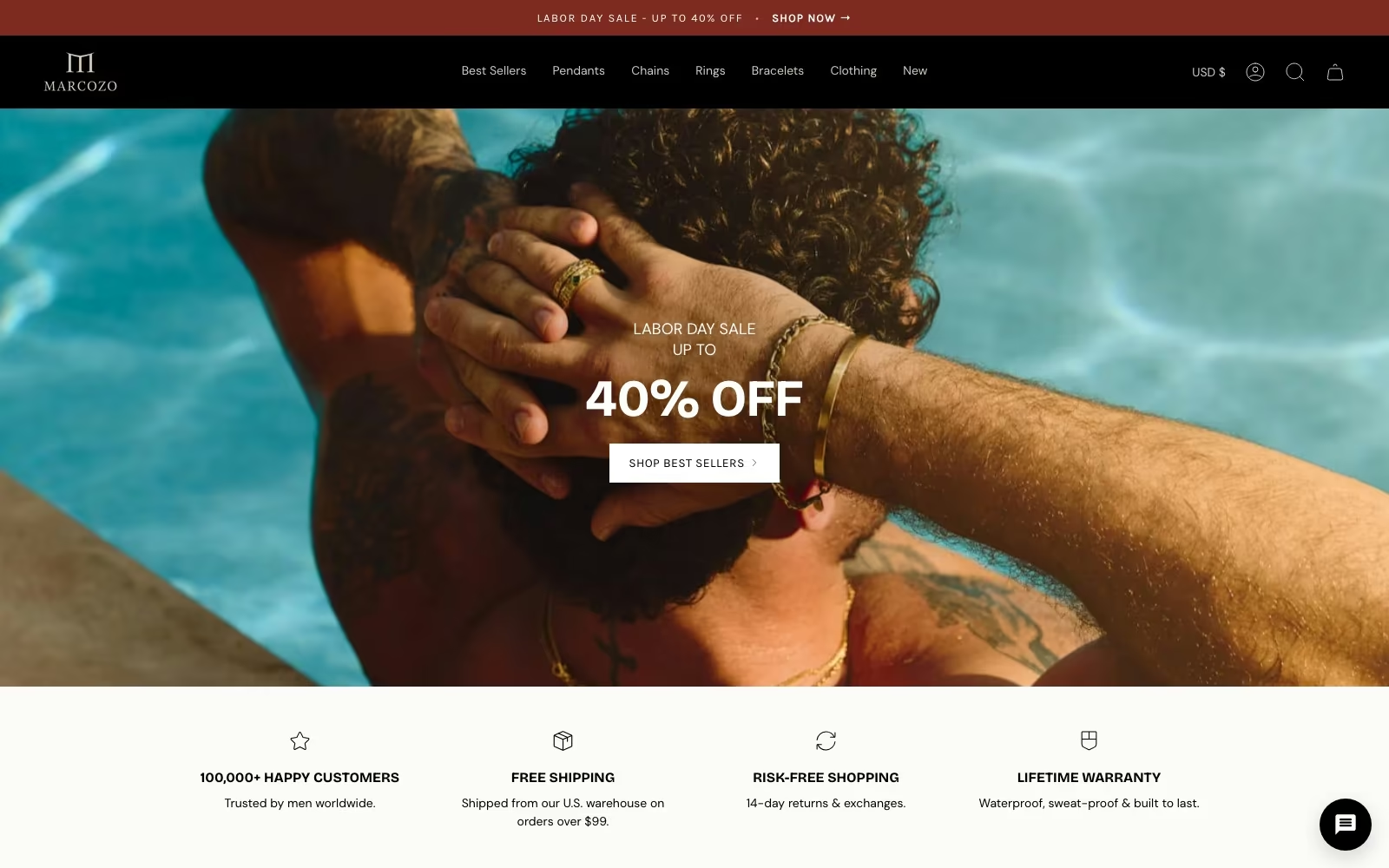

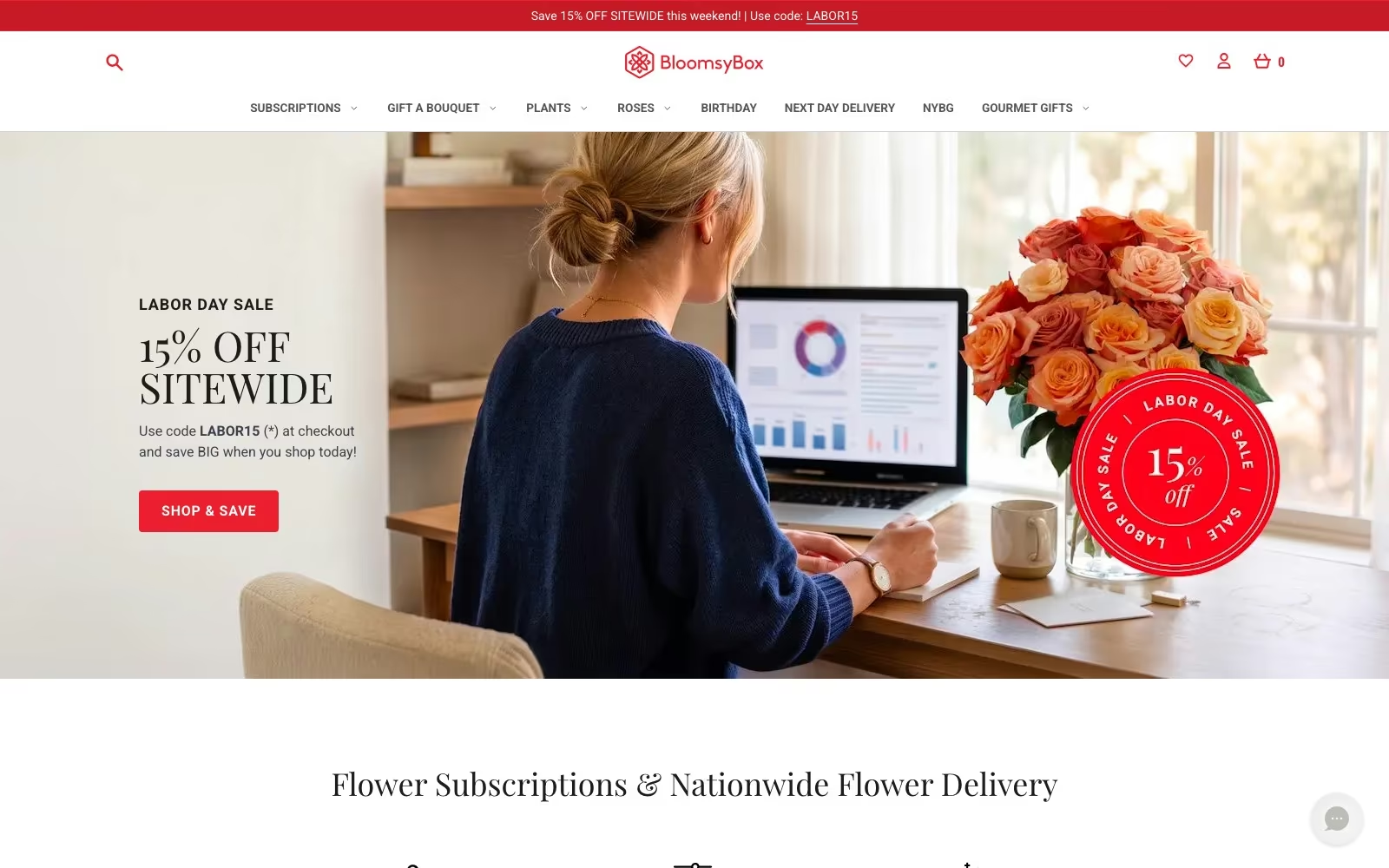





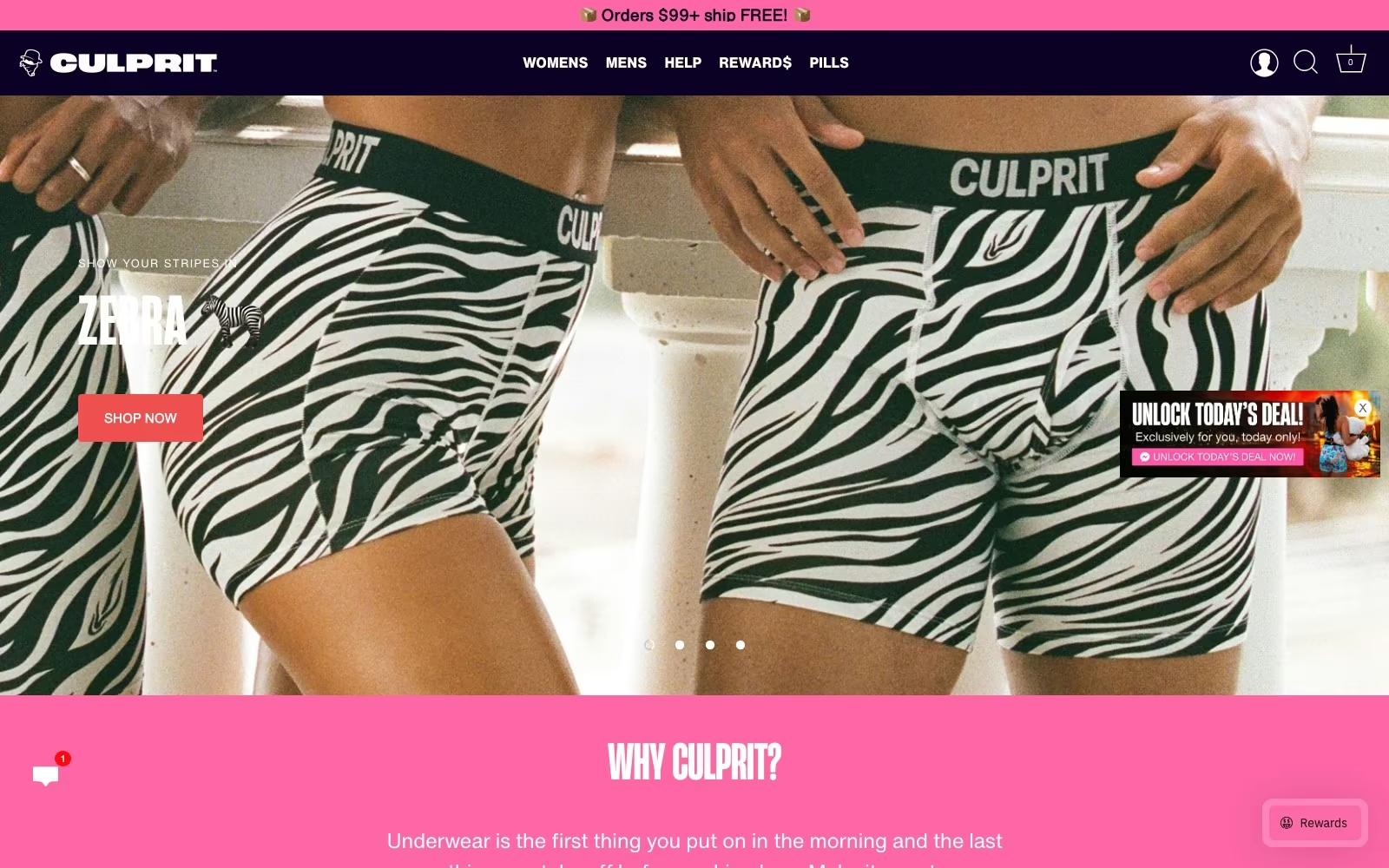

































FAQ
What teams ask us first.
Which businesses are actually required to comply?
Two groups, under two different parts of the Americans with Disabilities Act. Title III covers private businesses that serve the public — retailers, restaurants, clinics, hotels, banks, gyms, professional services — and Title II covers public entities: state and local governments, school districts, transit agencies and public universities. Under Title III the requirements reach the digital front door of the business, so an online store, a booking flow or a patient portal is treated as part of the services you provide. Employers also have obligations to individuals under Title I when internal web applications are part of the job. In practice, if members of the public can transact with your organization online, plan to be compliant with WCAG 2.2 AA and to be able to show it.
What are the practical requirements of an ADA-compliant website?
The ADA itself sets a duty of access; the WCAG standards translate it into testable requirements. The elements that come up most often on the websites we audit: every interactive control reachable and operable from the keyboard, with a visible focus indicator; text contrast that meets the 4.5:1 ratio; text alternatives for images and icons that carry meaning; form fields with programmatic labels, and errors identified in text rather than by colour; captions for video and transcripts for audio; page titles, headings and landmarks that describe structure; content that reflows at 400% zoom; no flashing or auto-playing motion that cannot be stopped; and status messages announced to assistive technology. Mobile apps carry the same obligations as websites, and documents you publish online — PDFs especially — are included.
What is ADA website compliance, in plain terms?
The Americans with Disabilities Act does not print a list of technical rules for websites. In practice, courts, regulators and enterprise buyers treat the Web Content Accessibility Guidelines — currently WCAG 2.2, at conformance level AA — as the working definition of an accessible website. So ADA website compliance means meeting those success criteria: everything operable by keyboard, sufficient colour contrast, text alternatives for images, labelled forms with clear error messages, content that works at 400% zoom and with a screen reader, and no reliance on colour or motion alone to convey meaning. That is the standard we build to, and the standard we document against.
Do accessibility overlay widgets make a site compliant?
They do not, and we would rather you hear that from us before you buy one. A widget sits on top of the page and cannot correct the markup underneath it, which is why UsableNet reports a rising share of 2025 filings against companies already running one, sometimes alleging the tool itself interfered with a screen reader. Preference toolbars can be a genuine convenience for some visitors, so we are not against them as a feature. We simply never let one stand in for remediation. The fix that holds up in a legal review or a procurement audit is in the code, and that is what we deliver.
How much does website accessibility remediation cost?
It depends on how much of the site is built from shared components. A site with a coherent design system is far cheaper to remediate than fifty hand-built pages, because a single contrast token or form component fixes hundreds of instances at once. Our audit gives you the ranked findings with effort estimates attached, so you can approve a fixed scope rather than an open-ended retainer. Most clients start with the highest-impact barriers on revenue journeys, then schedule the remainder across normal release cycles — which spreads the cost and keeps the work inside your existing development rhythm.
Are website accessibility lawsuits actually increasing?
Yes. Seyfarth's tracking put federal website accessibility filings at 3,117 in 2025, a 27% rise on the 2,452 recorded in 2024, and that count excludes state court actions and the far larger volume of demand letters that never reach a docket. The pattern matters more than the total: filings cluster on ecommerce, restaurants, healthcare and any site where a person cannot complete a transaction. Fixing the transaction path first therefore reduces both the legal exposure and the lost revenue, which is why our remediation plans are ordered that way.
Does accessibility help SEO?
It helps, though we would not sell it as an SEO tactic. The overlap is real: descriptive alternative text, a sane heading hierarchy, semantic landmarks, meaningful link wording, captions and transcripts, and fast keyboard-operable pages all make content easier for search engines and answer engines to parse as well as for people to use. Several of the fixes in an accessibility audit are the same fixes an SEO audit would recommend. Treat the search gain as a welcome side effect of a site that more people can actually use.
What does the DOJ Title II rule mean for private companies?
Directly, nothing — Title II covers state and local government entities. Indirectly, quite a lot. The rule names WCAG 2.1 AA as the standard, with compliance dates extended in April 2026 to 26 April 2027 for entities serving 50,000 or more people, and 26 April 2028 for smaller and special district entities. Public bodies now push that requirement down to their vendors, so if you sell software, services or content to municipalities, school districts, universities or public health systems, expect a conformance report to appear in the paperwork. Having one ready turns a procurement obstacle into an advantage.
Can you work with our existing development team?
That is our preferred arrangement. We audit, write the remediation plan, and then either implement in your repository alongside your engineers or hand them tickets specific enough to act on — the criterion, the component, the expected behaviour and how we will verify it. Your team keeps ownership of the codebase and gains the patterns, which is the point: after one project most teams stop introducing the same five issues. Where you have no in-house front-end capacity, our web development team does the implementation.
How do you test, and who does the testing?
Specialists, not a script. Automated tooling runs first to clear the detectable bulk, then a person reviews against WCAG 2.2 AA and walks your key journeys with NVDA, JAWS, VoiceOver and TalkBack, keyboard only, at high zoom and in high-contrast mode. Findings and re-tests are recorded per success criterion, so you can show what was tested, when, and on what platform. Where risk or budget allows we add paid sessions with disabled users, which reliably surfaces friction no audit format catches.
Does accessibility work restrict our brand or design?
It constrains a few choices and improves most of them. Contrast requirements can rule out one pale tint of a brand colour; the answer is usually a second approved shade for text rather than a redesign. Focus states, larger touch targets, readable type and honest link wording tend to make interfaces feel more considered, and they measurably help everyone using a phone in bright sunlight. We work with your designers rather than over them, and we bring the fixes back into the design system so the brand stays coherent.
Is there an official ADA certification we can get?
No. There is no government body that issues an ADA certificate for a website, and any vendor selling one is selling a badge rather than compliance. What does exist, and what buyers and courts respond to, is evidence: an audit against the guidelines, a dated remediation record, assistive technology test results, a published accessibility statement, and an ACR or VPAT describing how the product measures against WCAG 2.2 AA. We produce that package as part of the engagement. It is also worth knowing that ADA obligations are ongoing rather than a one-time certificate: the duty applies to the website as it is today, so the organizations that stay out of trouble are the ones that keep testing after each release rather than the ones that framed a certificate in 2023.
How do lawsuits and demand letters usually start?
Rarely with a regulator. Most ADA digital access claims begin with a law firm running automated checks across hundreds of websites, or with a disabled customer who could not complete a purchase and told someone. The letter that follows names a handful of failures, cites the ADA and the WCAG standards, and offers to settle. Because the underlying barriers are usually shared across every page of the website, one complaint tends to describe a site-wide condition — and the same condition invites the next letter. Organizations that remediate the code, publish an accessibility statement and keep dated test records are in a materially stronger position, both in negotiation and in avoiding the second round. Public bodies and governments face the same claims under Title II with a fixed DOJ deadline attached.
Do you cover mobile apps, documents and third-party tools?
Apps and documents, yes. Native mobile apps are audited against WCAG 2.2 AA using the platform accessibility APIs and tested with VoiceOver and TalkBack, and we remediate published PDFs so they are tagged, ordered and readable rather than a flat scan. Embedded third-party tools — chat widgets, booking engines, payment iframes, review apps — are the common blind spot: they sit inside your journey but not in your code. We test them, document what fails, and give you the vendor-facing evidence to demand a fix or the case for replacing the tool. Several clients have used that report to move to an accessible alternative at renewal, which is cheaper than engineering around a broken embed.
What happens after the project ends?
You keep the code, the documentation and the habits, and you can keep us on a light governance retainer if you want the site re-tested each quarter and the conformance report kept current. Many clients pair that with ongoing design and development work, which is the cheapest way to stay conformant: accessibility checks ride along in the release process instead of becoming an annual emergency. Either way there is no lock-in and nothing is held hostage.

.webp)
.webp)